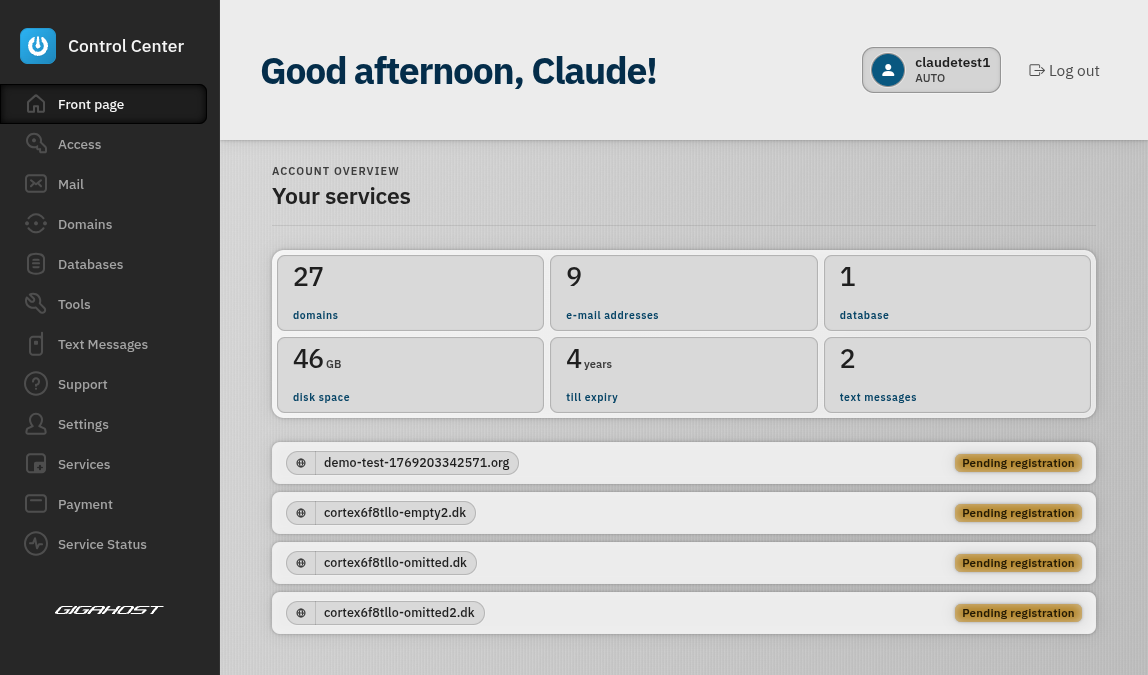
Front Page
Your dashboard at a glance — quickly register new domains, see the latest news from our blog, and get an overview of your hosting account.
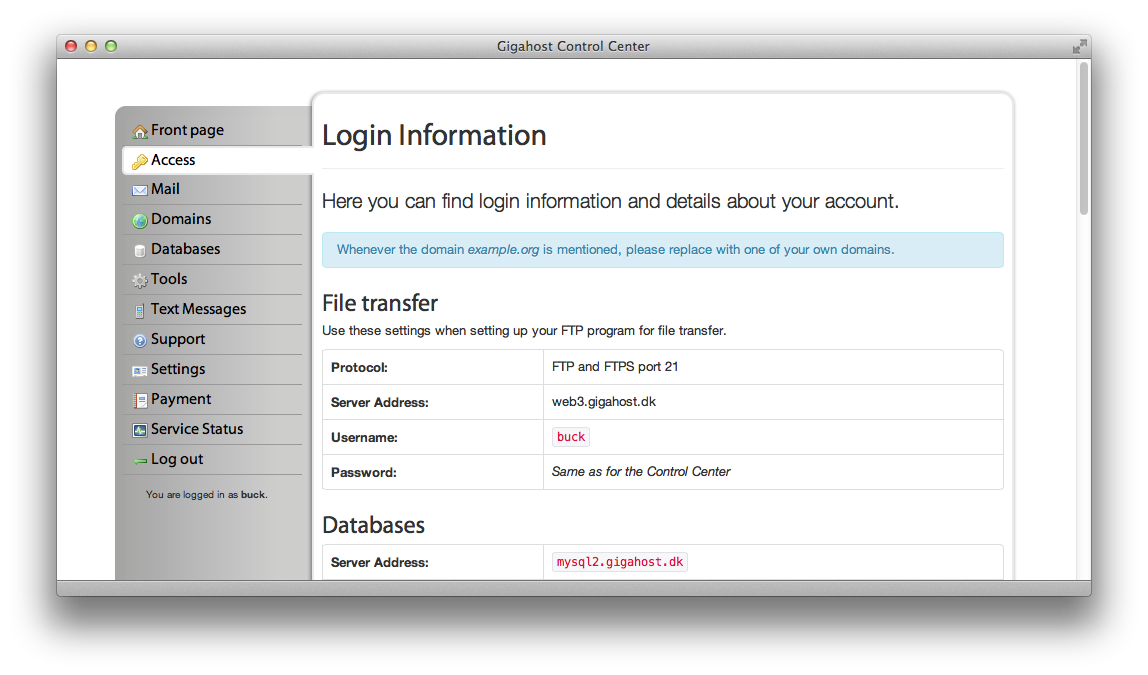
Access
Find all the credentials you need in one place — SFTP/SSH, database, and DNS details. Server addresses and passwords are easily copyable with a single click.
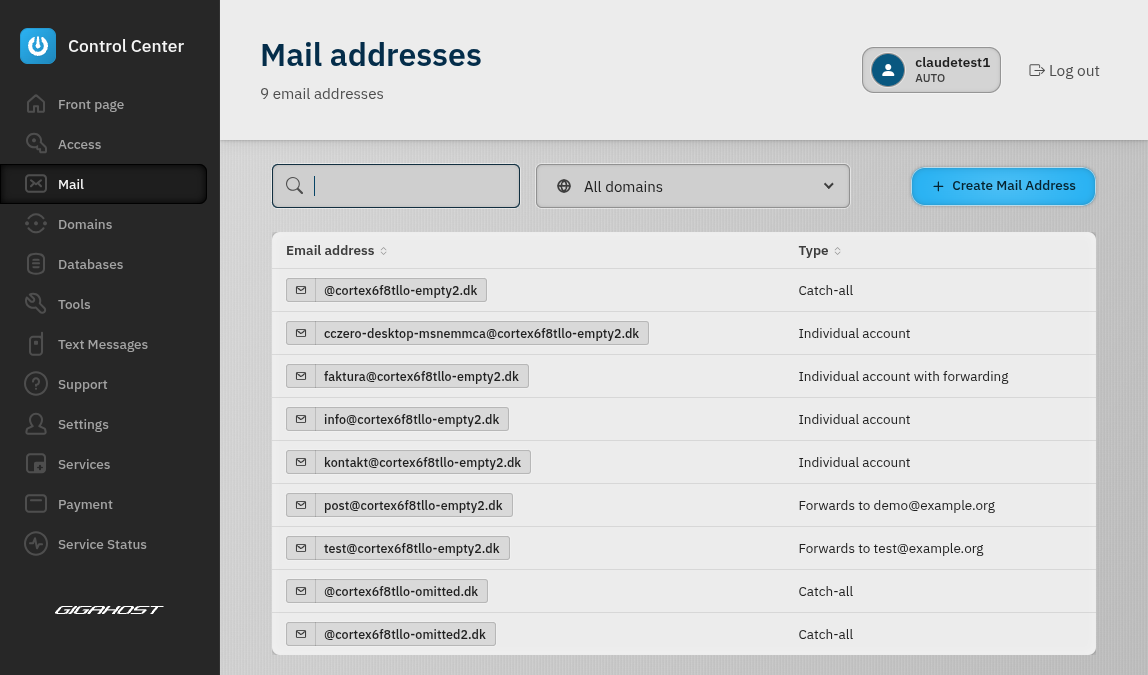
Emails
Create and manage your email accounts with ease. Set up catch-all addresses, email forwarding, and auto-replies — all from a clean, intuitive interface.
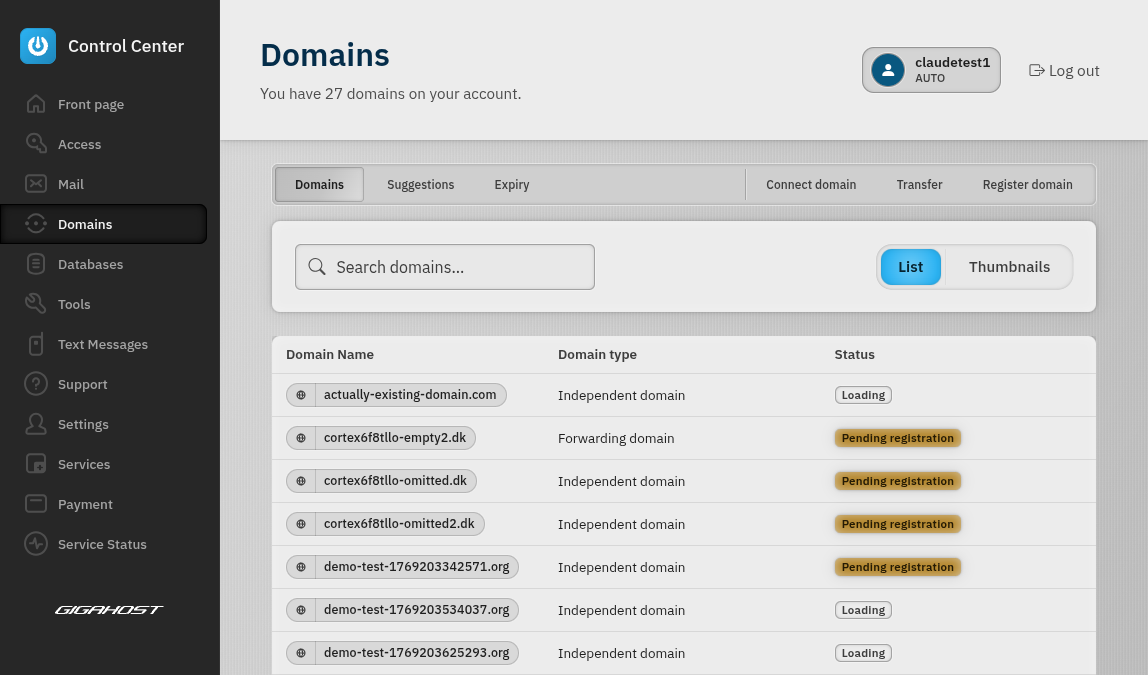
Domains
Register new domains, transfer existing ones, and manage subdomains. Configure DNS records, SSL certificates, and PHP settings. The built-in domain troubleshooter runs automated checks to help diagnose any issues.
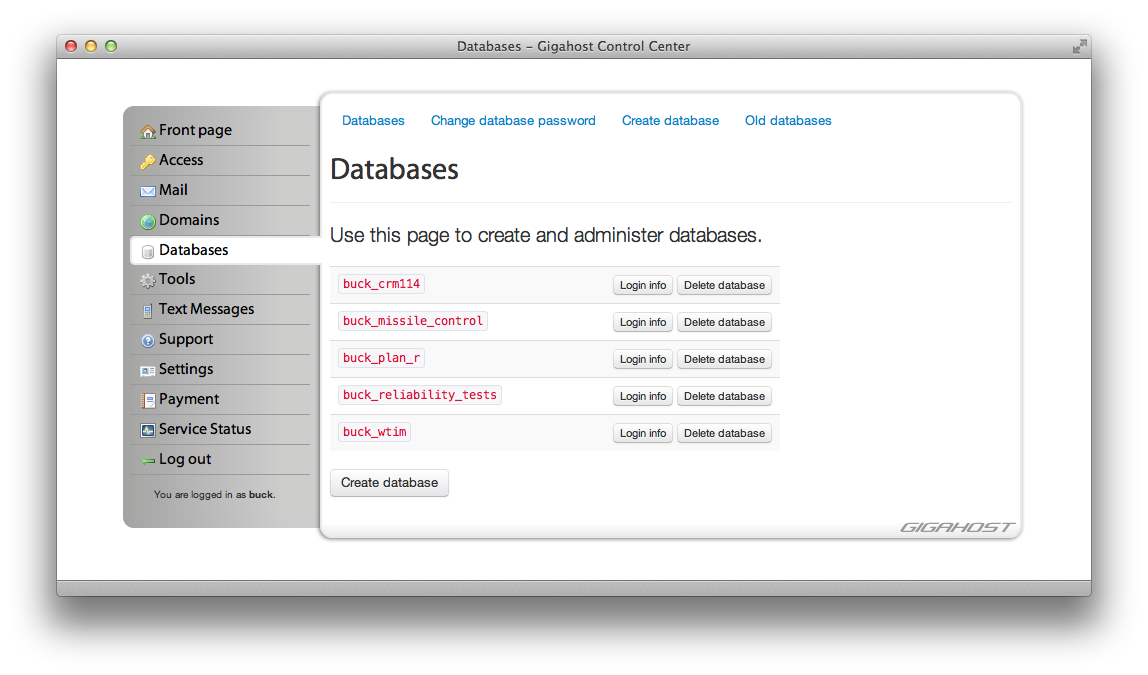
Databases
Create and manage your MySQL databases. Access phpMyAdmin directly from the Control Center, and change your database password whenever you need to.
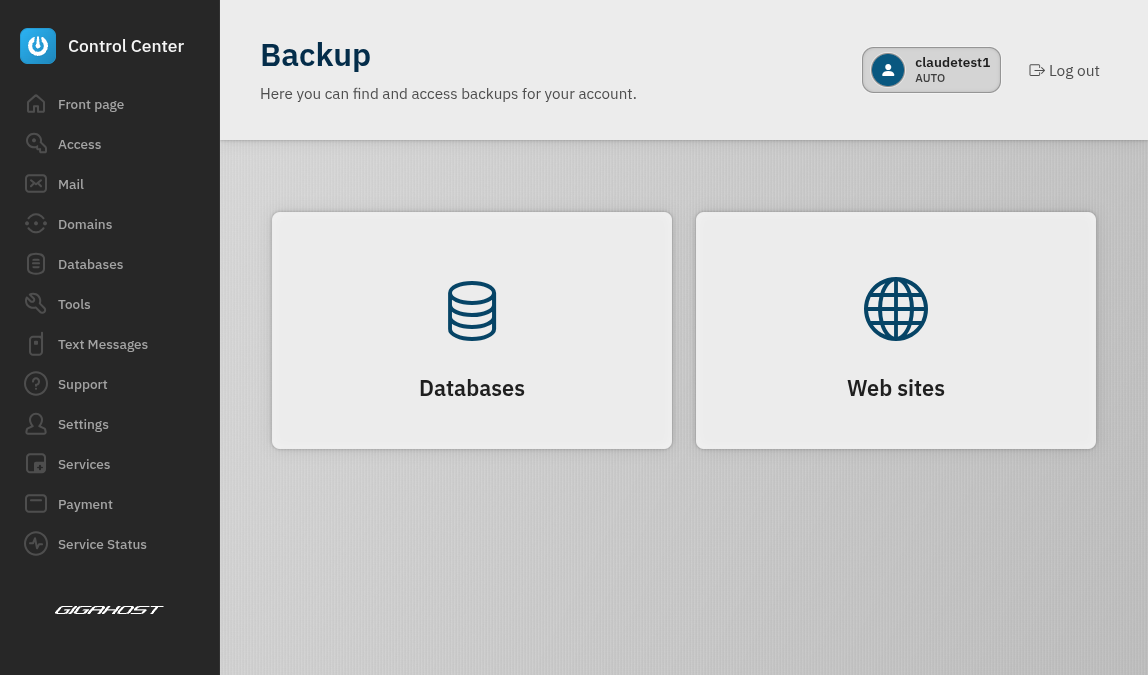
Backups
Rest easy knowing your data is safe. Browse and restore automatic backups of your files and databases, or create manual backups whenever you need them.
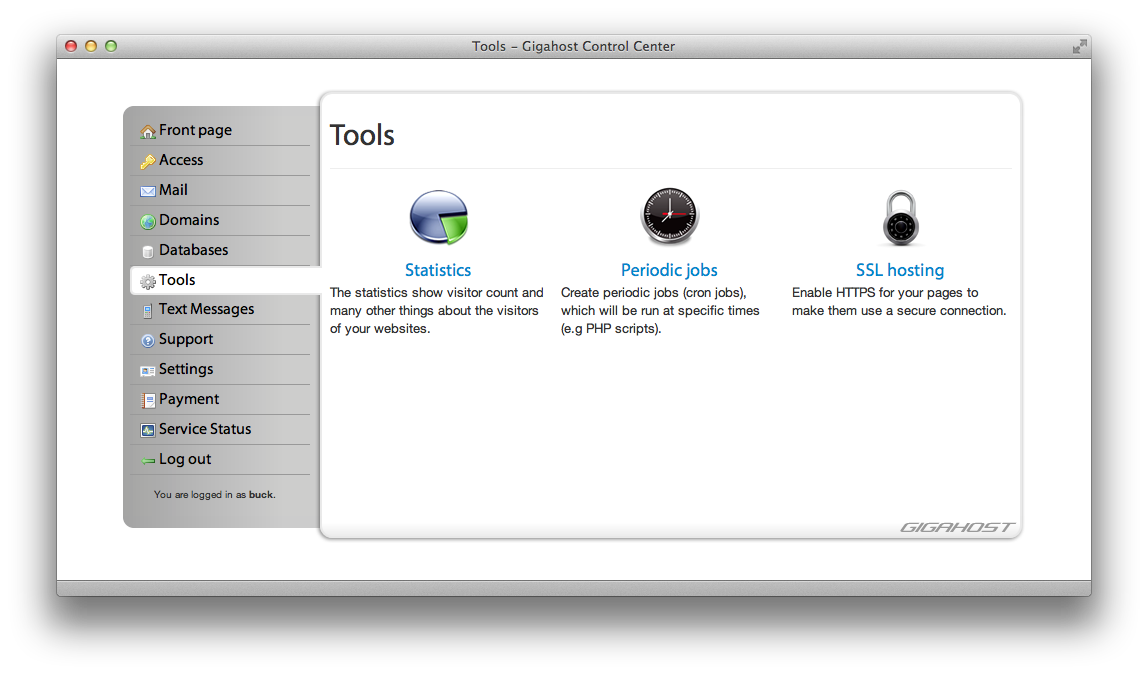
Tools
View detailed statistics for your domains, manage periodic jobs (cron jobs), and use the built-in File Manager to browse, upload, and edit your website files directly in the browser.
SMS
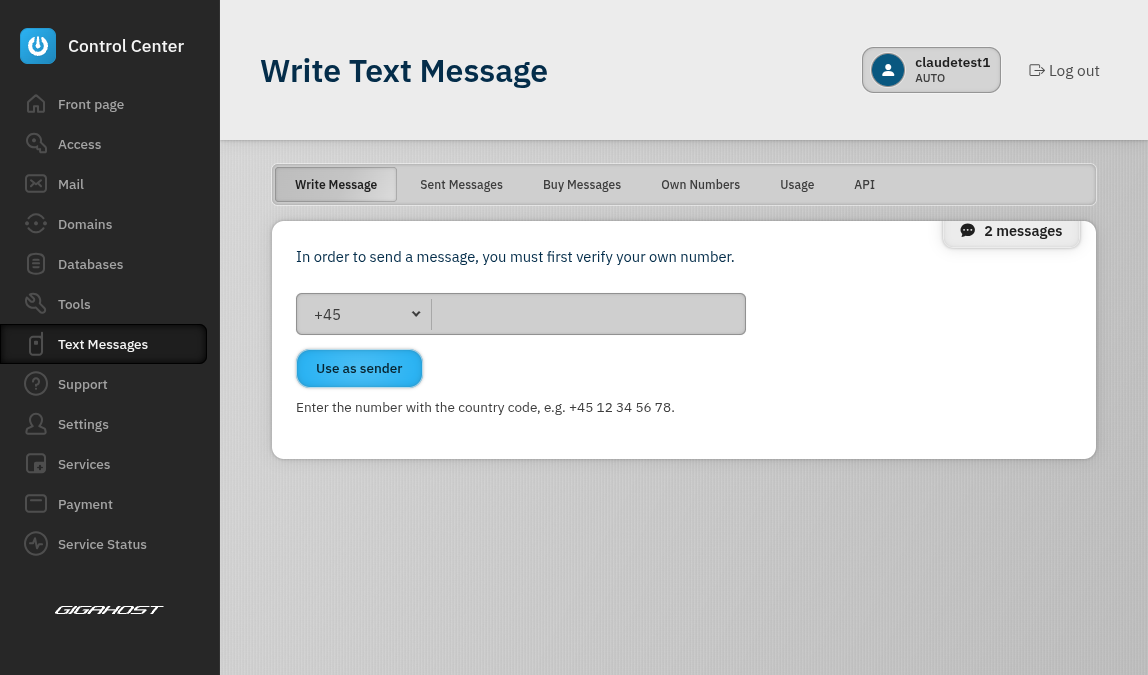
Send SMS messages directly from the Control Center. Manage your contacts and track delivery — a simple, integrated messaging solution for your business.
Support
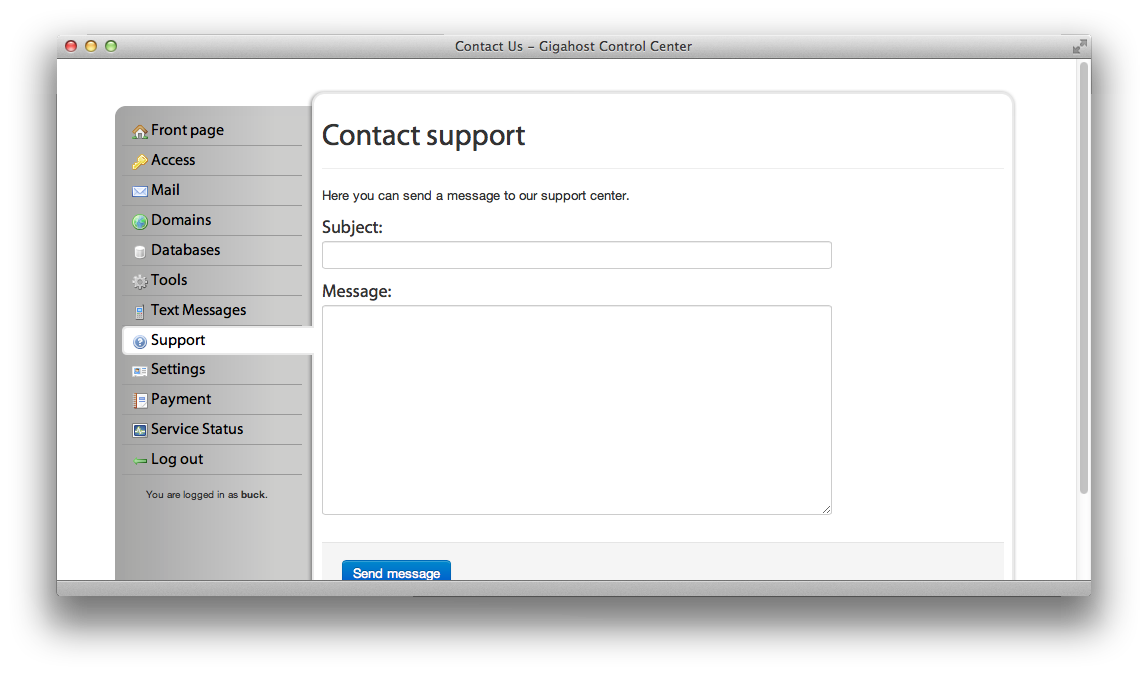
Access guides, tutorials, and technical documentation for setting up your websites and CMS systems. Need help? Contact our support team directly from the Control Center.
Profile
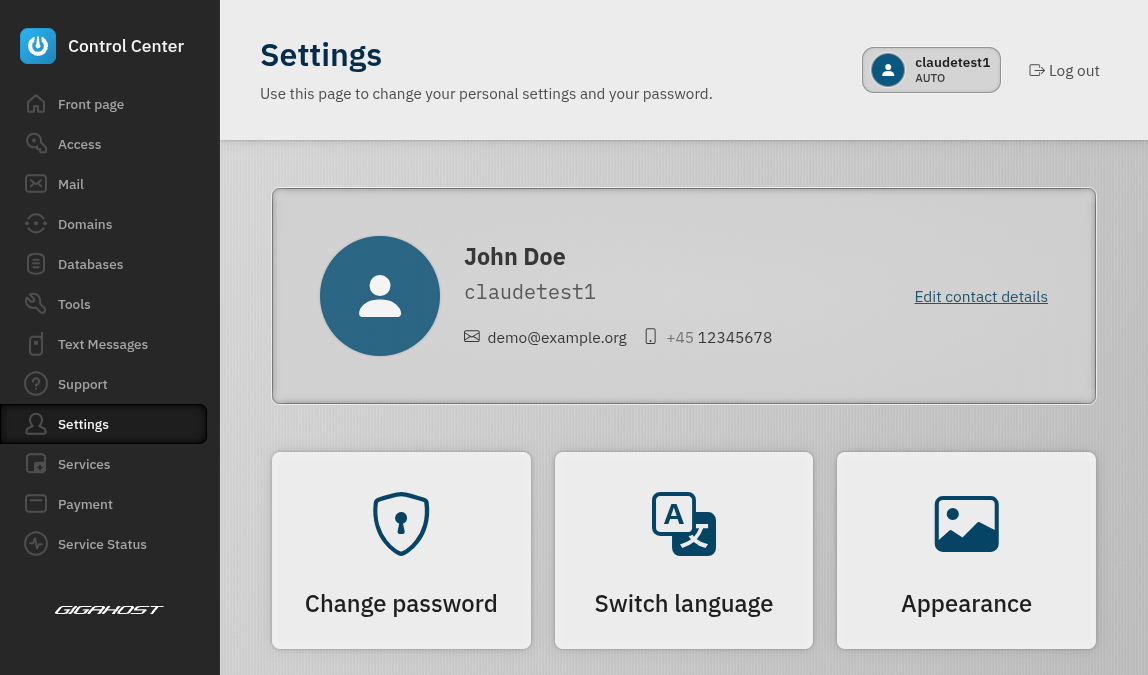
Manage your account settings, update your password, and personalise your experience. Sign in securely with passkeys, choose between light and dark mode, customise your avatar, and set your preferred language.
Services
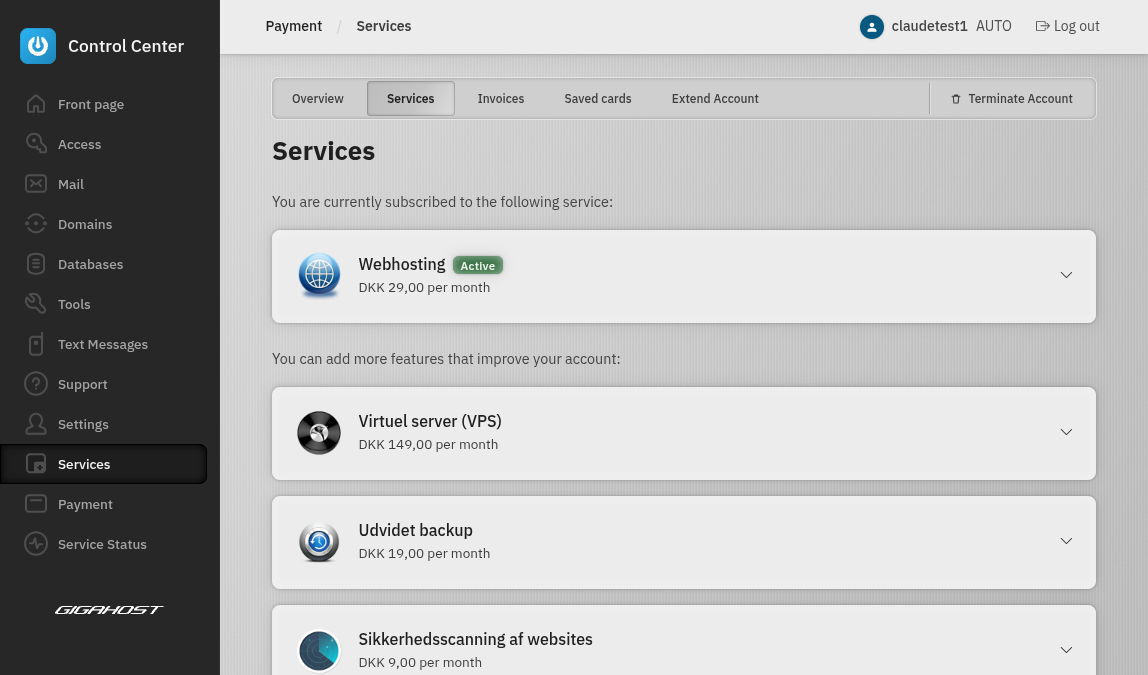
Extend your hosting with additional services and add-ons. Order extra storage, bandwidth, or premium features to match your growing needs.
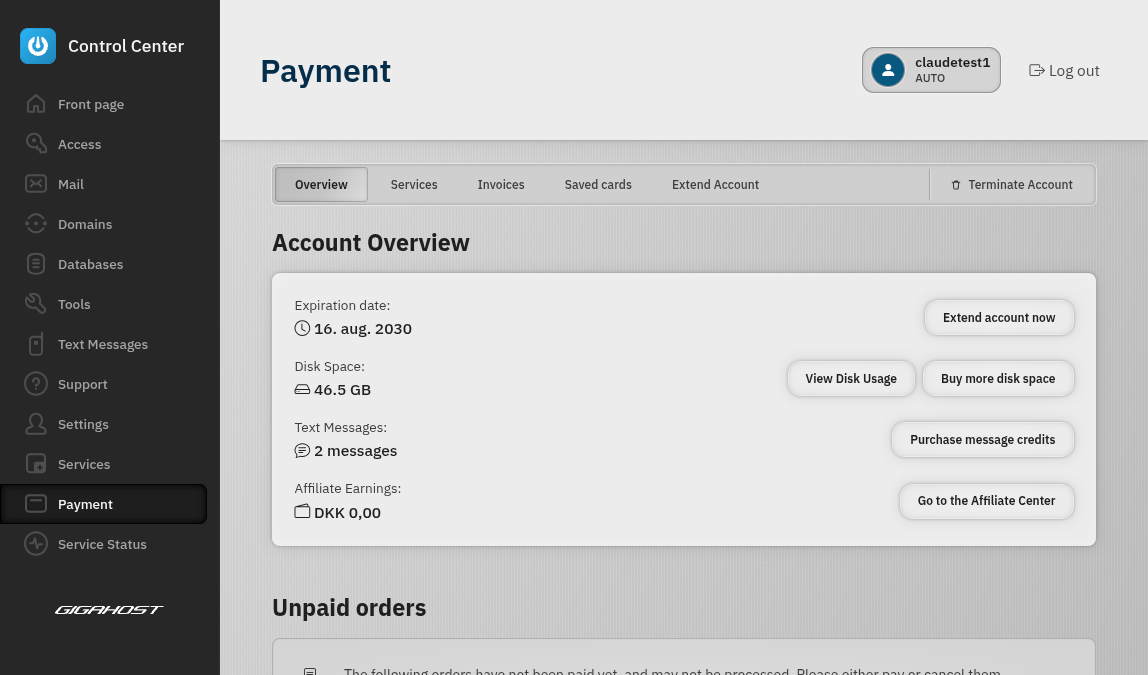
Payment
View your orders, download invoices as PDF directly in the browser, and manage your billing. Extend your hosting or deactivate your account with just a few clicks.